Help Centre
Guides, answers, and downloads
Everything you need to install, manage, and troubleshoot Flex eSIMs. Need a hand? Email support anytime.
Looking for a quick overview? Visit the Flex eSIM FAQ.
Download the iOS install PDF
Step-by-step screenshots for iPhone and iPad.
Need Android screenshots?
Email support and we will send Samsung/Pixel examples.
Installation & setup
Guides for installing your Flex eSIM and getting online fast.
When should I install my Flex eSIM?
The best time to install so you can connect instantly when you land.
Read more →GuideInstall a Flex eSIM with a QR code
Use the QR from checkout or your locker for a one-minute install.
Read more →GuideInstall your Flex eSIM on iOS
Use your activation email or the PDF guide to add Flex on iPhone or iPad.
Read more →GuideInstall a Flex eSIM manually on iOS
Use the SM-DP+ address and activation code if you cannot scan a QR.
Read more →GuideInstall your Flex eSIM on Android
Add Flex to Samsung, Pixel, and other Android devices in minutes.
Read more →GuideInstall a Flex eSIM from the Android app
Install directly inside the Flex eSIM app without scanning.
Read more →GuideHow do I find my eSIM number?
Locate the phone number tied to eSIMs with voice/SMS service.
Read more →GuideCan I transfer my Flex eSIM to a new device?
Understand when transfers are possible.
Read more →Plans & payments
Understand pricing, invoices, refunds, and top-ups.
What is Flex eSIM's refund policy?
Learn when refunds are possible and the steps required.
Read more →GuideHow do I get an invoice?
Grab a PDF receipt for travel or business claims.
Read more →GuideHow much does a Flex eSIM cost?
Understand pricing before you travel.
Read more →GuideCan I top up a Flex eSIM?
Add more data without buying a new SIM.
Read more →Troubleshooting
Fix connection issues on iOS and Android when things go wrong.
I can't connect after activating my plan
Checklist for brand-new activations that refuse to connect.
Read more →GuideMy data stopped working mid-trip
Quick checks before contacting support.
Read more →GuideWhy can't I access the internet even though I have data left?
Understand usage delays and how to confirm your balance.
Read more →GuideFix PDP Authentication Failure
Resolve PDP errors related to APN or expired data.
Read more →GuideNetwork Lost error on iPhone
Fix the network lost pop-up when roaming between areas.
Read more →GuideFix iOS no internet issues
Steps to follow when your iPhone refuses to connect.
Read more →GuideFix Android no internet issues
Stabilize data on Samsung, Pixel, and other Android devices.
Read more →Need something else?
We are adding more docs weekly. Let us know if you need a carrier-specific guide, business invoicing help, or anything not covered above. We reply fast via email.
BETTER WITH THE FLEX APP
Manage every eSIM from your pocket
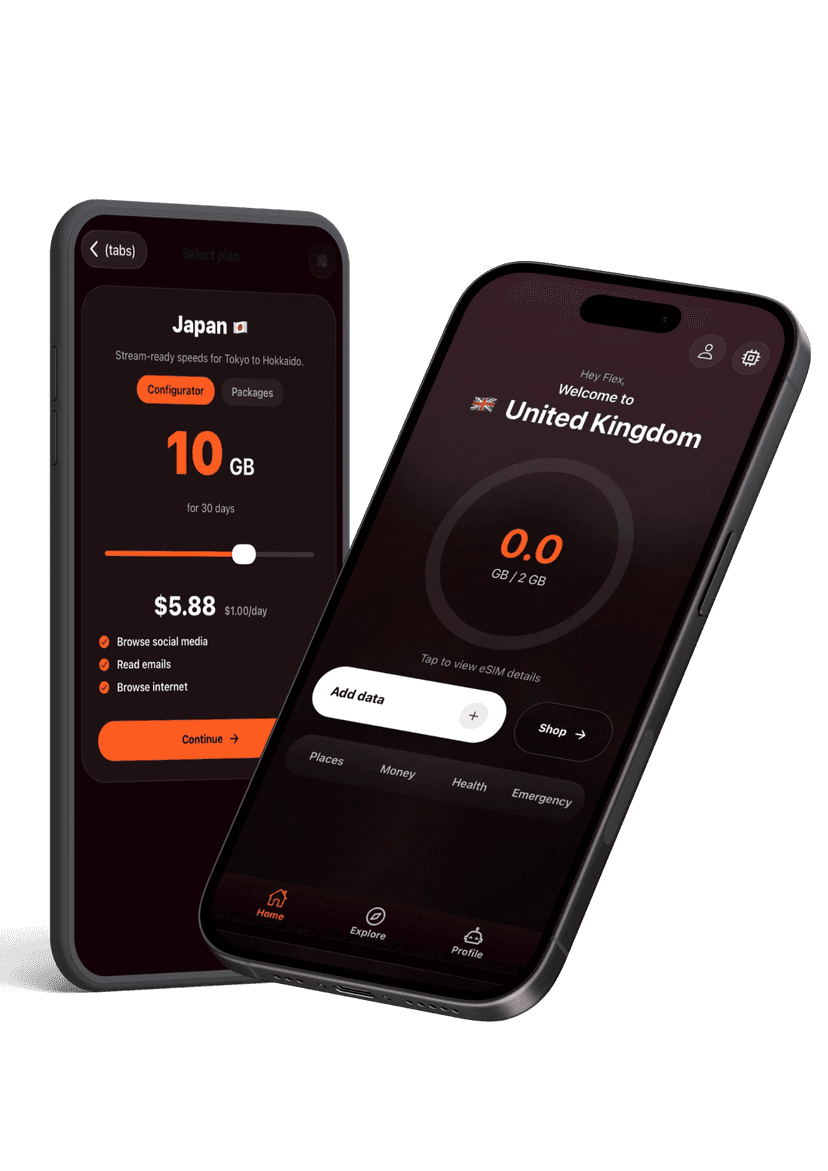
Activate new passes, pull up instructions, share hotspots, and get live help without hunting through emails. The Flex app keeps your travel data tidy and ready when you land.