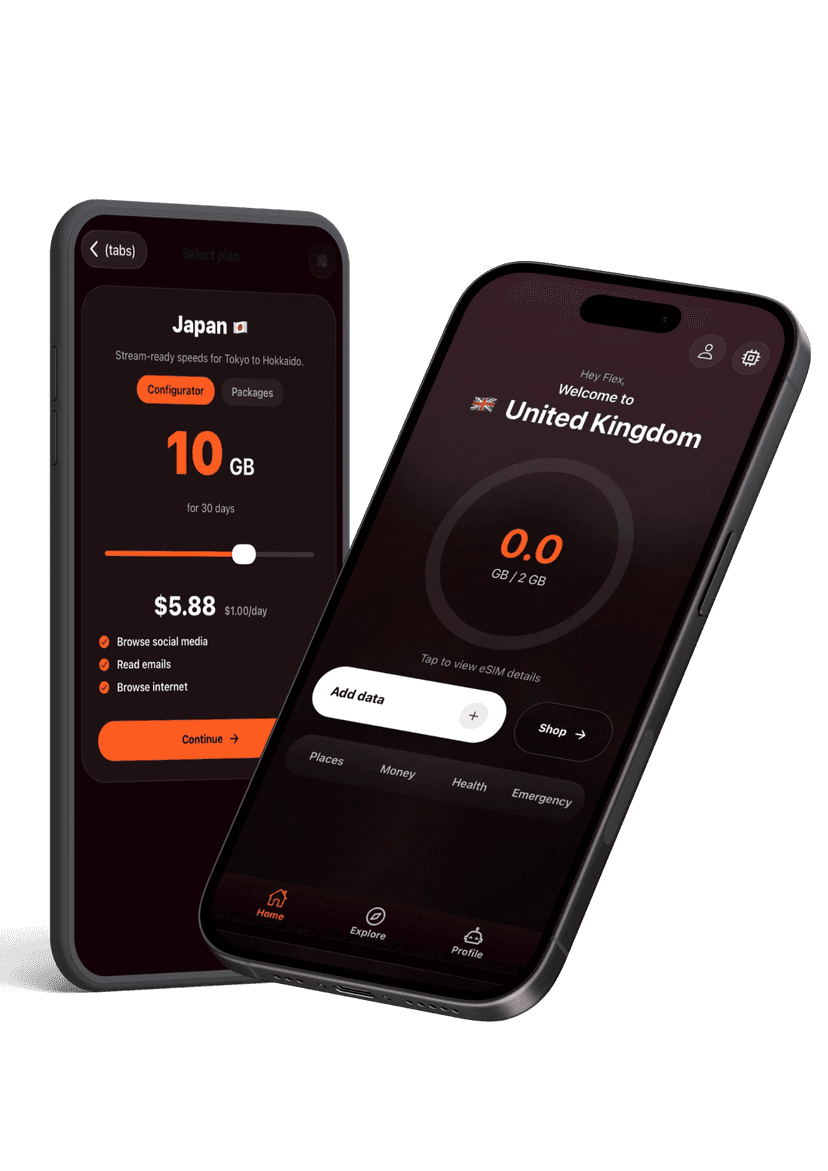
- Open the Flex eSIM app on your Android device and go to the eSIMs tab.
- Select the plan you want to install and tap Install eSIM.
- Follow the prompts; the app pushes the profile directly and shows progress.
- Within two minutes the eSIM is added under Settings > Connections > SIM Manager.
- Ensure Data Roaming is enabled for the Flex line and toggle it on when you land.
Installation & setup
Install a Flex eSIM from the Android app
Install directly inside the Flex eSIM app without scanning.
Still need help?
Email support and include screenshots if you can. We usually respond in minutes.
BETTER WITH THE FLEX APP
Manage every eSIM from your pocket
Activate new passes, pull up instructions, share hotspots, and get live help without hunting through emails. The Flex app keeps your travel data tidy and ready when you land.