- Confirm you are physically in the destination included in your Flex plan.
- Set Flex eSIM as the Cellular Data line and ensure Data Roaming is on.
- Toggle airplane mode on for 15 seconds and then back off to refresh the radio.
- If that fails, open Settings > Network Selection, disable Automatic, pick another supported carrier, then test.
- Still offline? Contact support with screenshots so we can push a fresh profile.
Troubleshooting
I can't connect after activating my plan
Checklist for brand-new activations that refuse to connect.
Still need help?
Email support and include screenshots if you can. We usually respond in minutes.
BETTER WITH THE FLEX APP
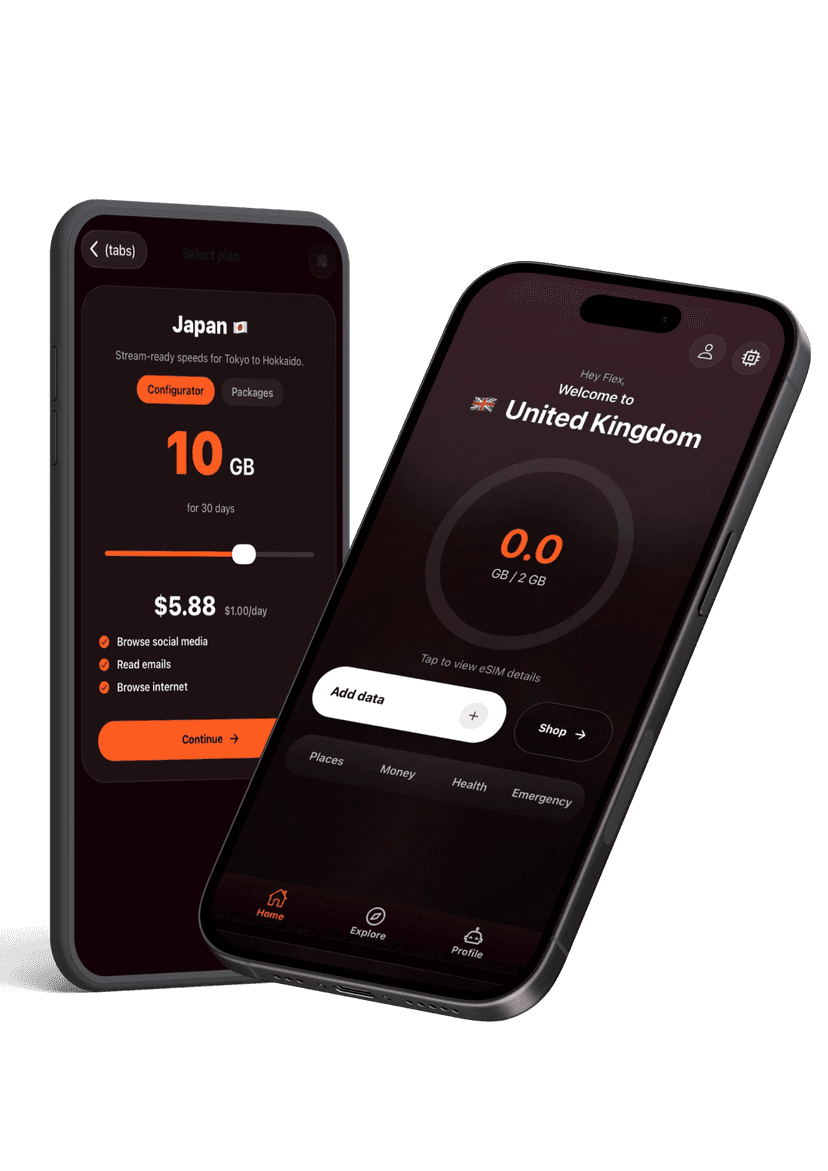
Manage every eSIM from your pocket
Activate new passes, pull up instructions, share hotspots, and get live help without hunting through emails. The Flex app keeps your travel data tidy and ready when you land.