
Back to Help Centre/Troubleshooting

Troubleshooting

Why can't I access the internet even though I have data left?

Understand usage delays and how to confirm your balance.

Data meters are sometimes delayed by the carrier, so you might show “remaining data” even though the bundle is empty. Check Settings > Cellular (iOS) or Settings > Connections > Data usage (Android) for the most accurate reading.

If you still have data and speeds are slow, toggle airplane mode, pick another supported network manually, and reboot your device to refresh the session.
Still need help?

Email support and include screenshots if you can. We usually respond in minutes.

BETTER WITH THE FLEX APP

Manage every eSIM from your pocket

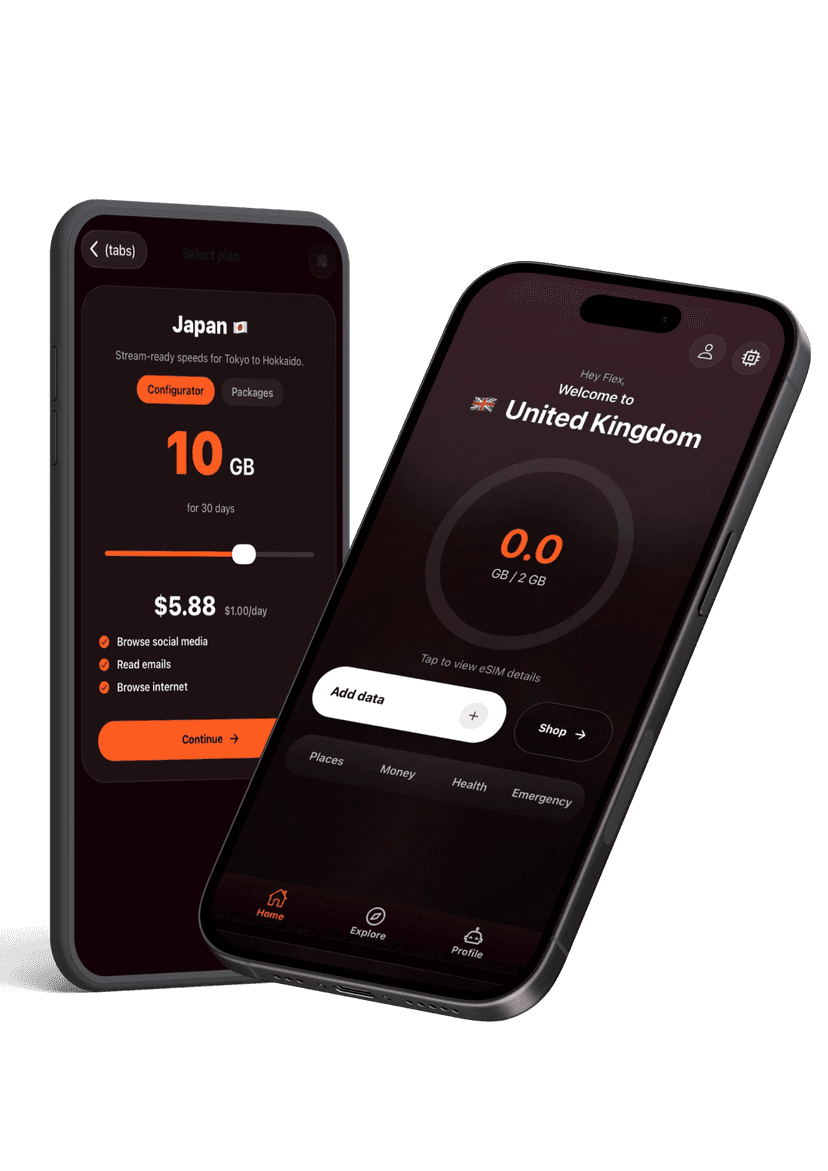
Activate new passes, pull up instructions, share hotspots, and get live help without hunting through emails. The Flex app keeps your travel data tidy and ready when you land.

Flex app preview