PDP Authentication Failure usually means either the APN is wrong or the plan is out of data/validity.
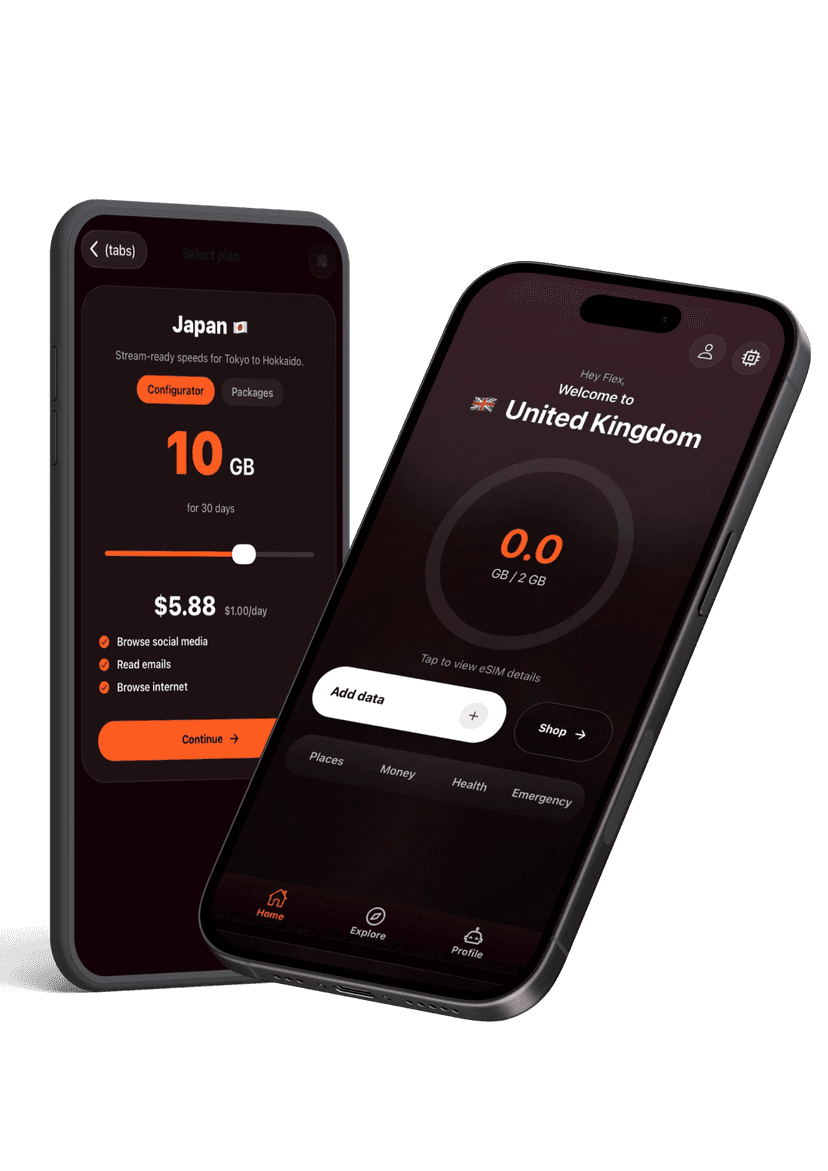
- Ensure the APN is set exactly as shown on the Flex eSIM app > Installation info page.
- Verify the plan still has data and days remaining. If it is empty, top up to reconnect.
- Select a supported network manually if automatic selection latched onto an unsupported carrier.
- Reset network settings (Settings > General > Reset > Reset Network Settings) and reboot.
Still seeing the error? Contact support so we can check the line server-side.