- Open Settings > Connections > SIM manager and ensure the Flex line is on and selected for Mobile Data.
- Turn off Wi-Fi to keep the phone on cellular, then enable Data Roaming under Mobile Networks.
- Toggle airplane mode for 15 seconds, then switch it off and test again.
- Restart the phone or hold power + volume down to force a reboot if menus are stuck.
- Set Preferred Network Type to 4G/LTE if 5G coverage is weak, then manually search for the recommended carrier.
- For APN details open the Flex app > Installation info, then add them under Mobile Networks > Access Point Names.
- Still offline? Reset network settings (Settings > General Management > Reset) and reinstall the eSIM profile.
Troubleshooting
Fix Android no internet issues
Stabilize data on Samsung, Pixel, and other Android devices.
Still need help?
Email support and include screenshots if you can. We usually respond in minutes.
BETTER WITH THE FLEX APP
Manage every eSIM from your pocket
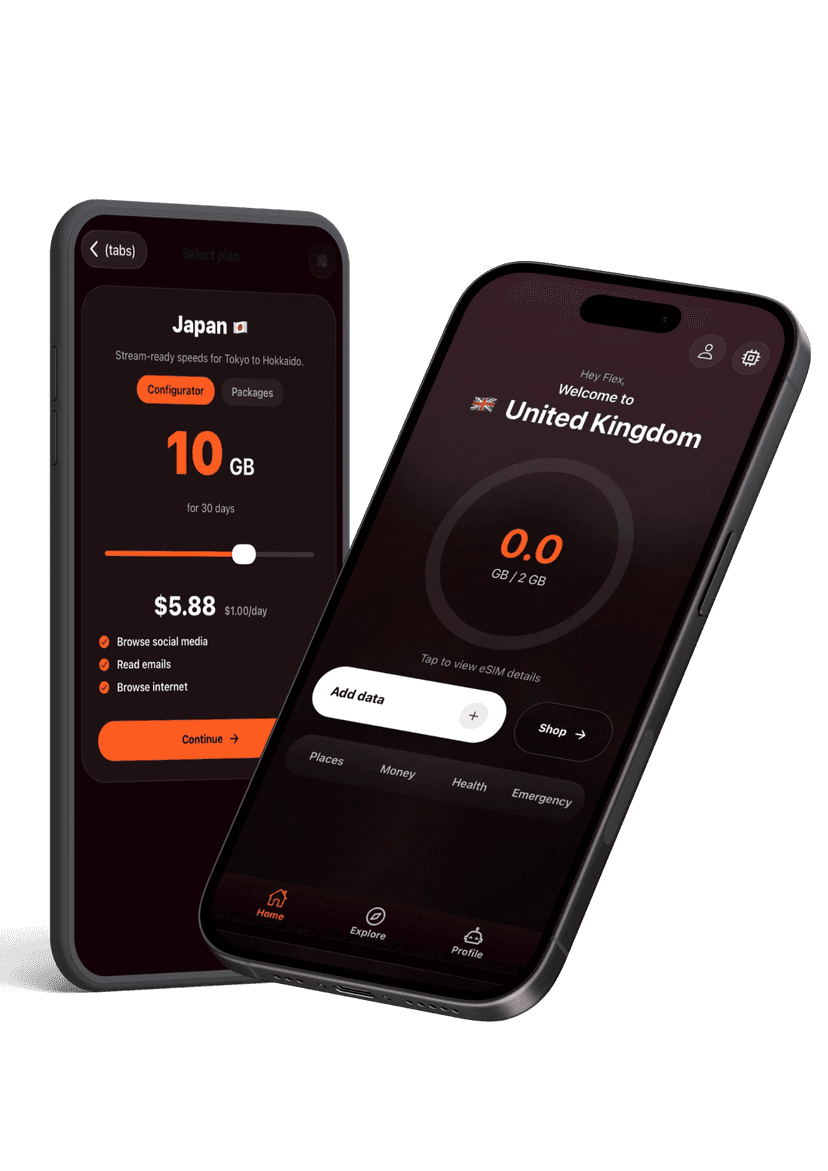
Activate new passes, pull up instructions, share hotspots, and get live help without hunting through emails. The Flex app keeps your travel data tidy and ready when you land.