- In Settings > Mobile Service make sure the Flex line shows as Ready and the toggle is on.
- Disable Wi-Fi temporarily so the phone prefers the cellular data line.
- Under Mobile Data, set the Flex eSIM as the preferred line and enable Data Roaming (you can do this during install).
- Restart the iPhone, then toggle airplane mode on for 15 seconds and off again.
- If 5G is flaky, open Voice & Data on the Flex line and select 4G/LTE before testing once more.
- Need APN info? Open the Flex app > Installation info, copy the values, and paste them into Settings > Mobile Data > Mobile Data Network.
- As a last resort go to Settings > General > Transfer or Reset > Reset Network Settings.
Troubleshooting
Fix iOS no internet issues
Steps to follow when your iPhone refuses to connect.
Still need help?
Email support and include screenshots if you can. We usually respond in minutes.
BETTER WITH THE FLEX APP
Manage every eSIM from your pocket
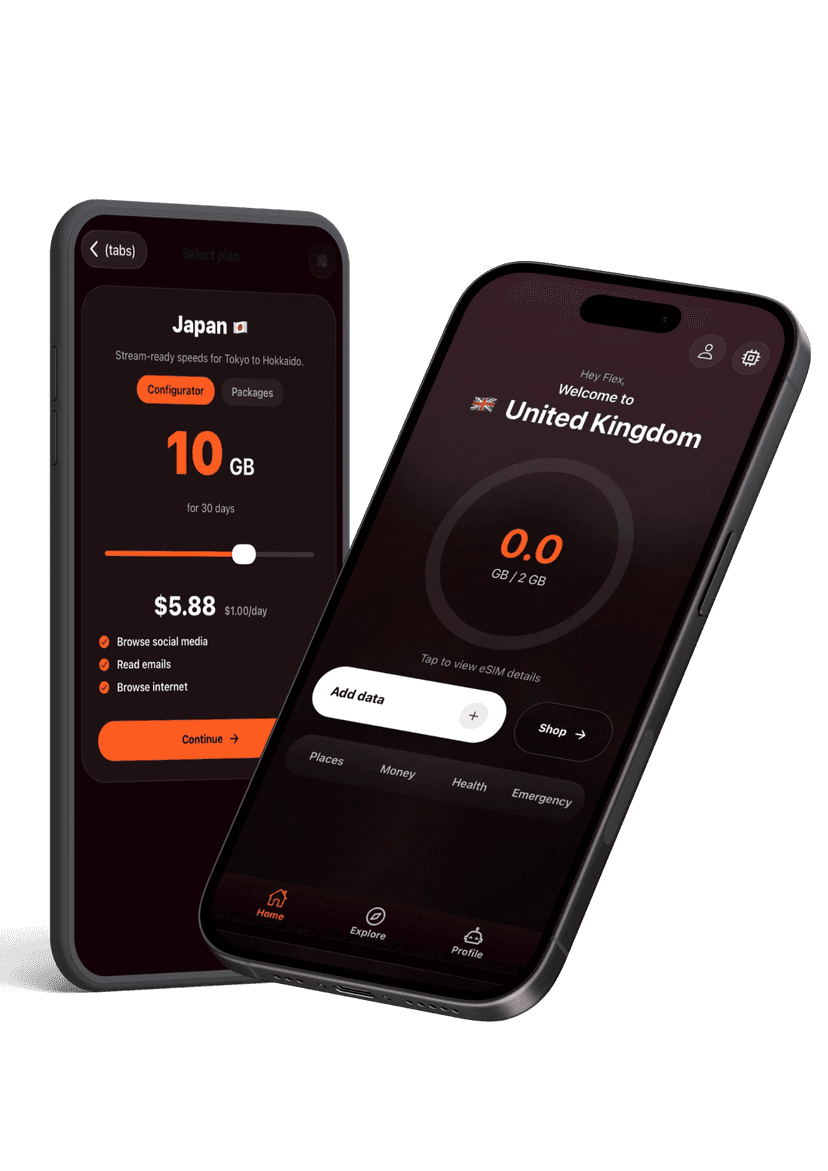
Activate new passes, pull up instructions, share hotspots, and get live help without hunting through emails. The Flex app keeps your travel data tidy and ready when you land.