- Open the Flex eSIM app or your order email and tap Download QR code.
- The QR is emailed for safekeeping and also displayed in a pop-up window.
- On your phone, open Settings > Cellular and choose Add eSIM, then tap Use QR code.
- Scan the QR code using the device camera.
- Follow the prompts: label the line “Flex eSIM” (or Secondary), keep your primary line for calls and iMessage, and select Flex eSIM for Cellular Data.
- Finish the wizard and wait for the line to show as Ready. Installation usually takes two minutes.
Installation & setup
Install a Flex eSIM with a QR code
Use the QR from checkout or your locker for a one-minute install.
Still need help?
Email support and include screenshots if you can. We usually respond in minutes.
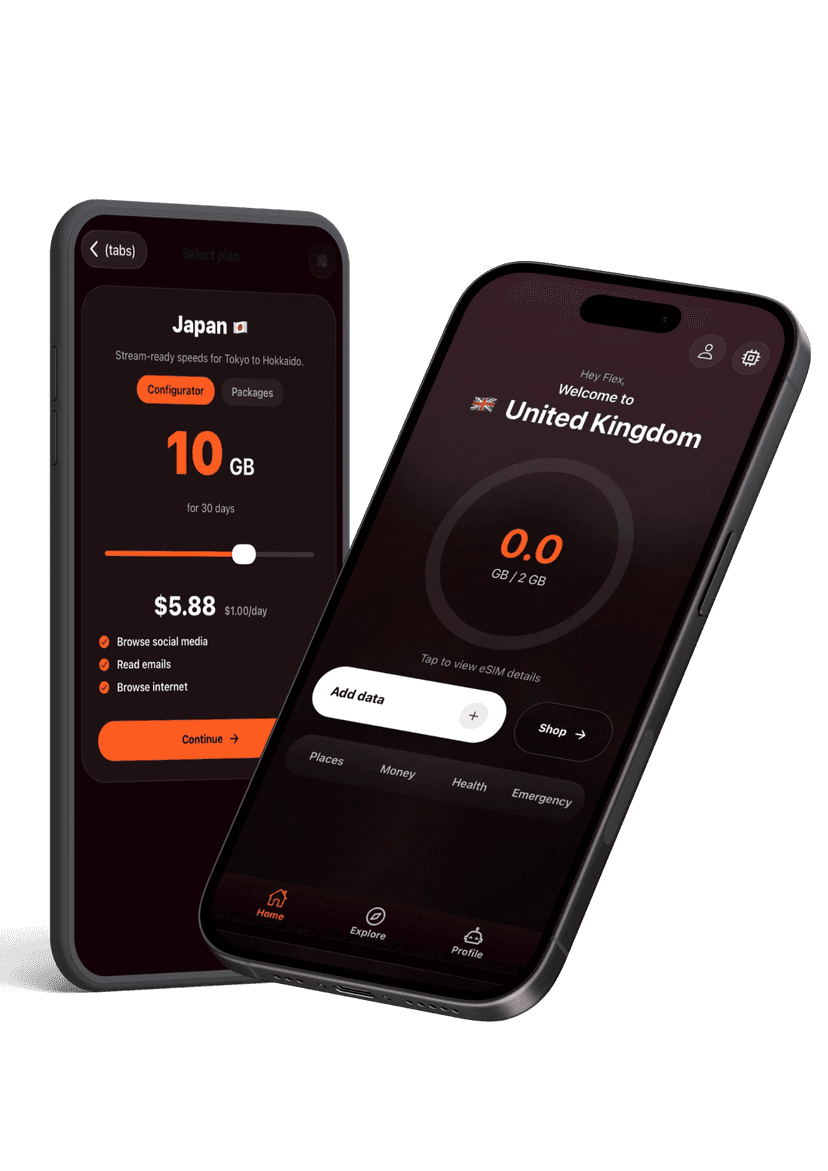
BETTER WITH THE FLEX APP
Manage every eSIM from your pocket
Activate new passes, pull up instructions, share hotspots, and get live help without hunting through emails. The Flex app keeps your travel data tidy and ready when you land.