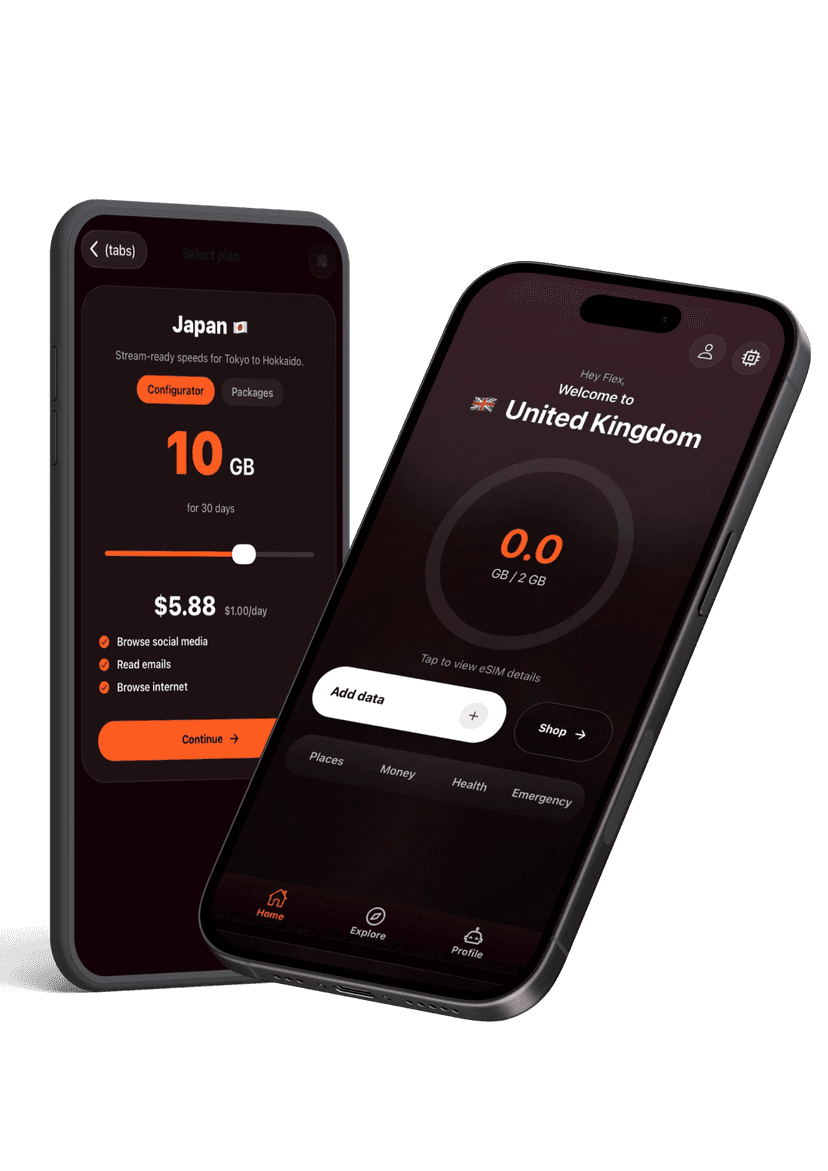
- Confirm you still have data remaining inside the Flex app or device usage meter.
- Move to an open area and toggle airplane mode off and on to force a new tower attachment.
- Restart the device entirely to clear stale routing info.
- If nothing changes, contact support from the app or email so we can check the line status and push a replacement profile if needed.
Troubleshooting
My data stopped working mid-trip
Quick checks before contacting support.
Still need help?
Email support and include screenshots if you can. We usually respond in minutes.
BETTER WITH THE FLEX APP
Manage every eSIM from your pocket
Activate new passes, pull up instructions, share hotspots, and get live help without hunting through emails. The Flex app keeps your travel data tidy and ready when you land.