- Open the Flex iOS install guide or the “Activate my eSIM” email on your iPhone and tap the button.
- Running iOS 17.4 or newer? Tap Quick Install. Older versions can scan the QR code from another device.
- Tap Allow when Safari prompts you, then Continue to add the cellular plan.
- Label your primary SIM for calls and the Flex eSIM for travel data so you can tell them apart.
- Keep your main number as the default for calls, FaceTime, and iMessage. Allow Mobile Data Switching if you want apps to fall back automatically.
- Toggle Data Roaming for the Flex line whenever you are ready to connect. The plan only activates once you land.
- Need APN values? Open the Flex eSIM app, select your pass, and tap Installation info to copy them.
Installation & setup
Install your Flex eSIM on iOS
Use your activation email or the PDF guide to add Flex on iPhone or iPad.
Still need help?
Email support and include screenshots if you can. We usually respond in minutes.
BETTER WITH THE FLEX APP
Manage every eSIM from your pocket
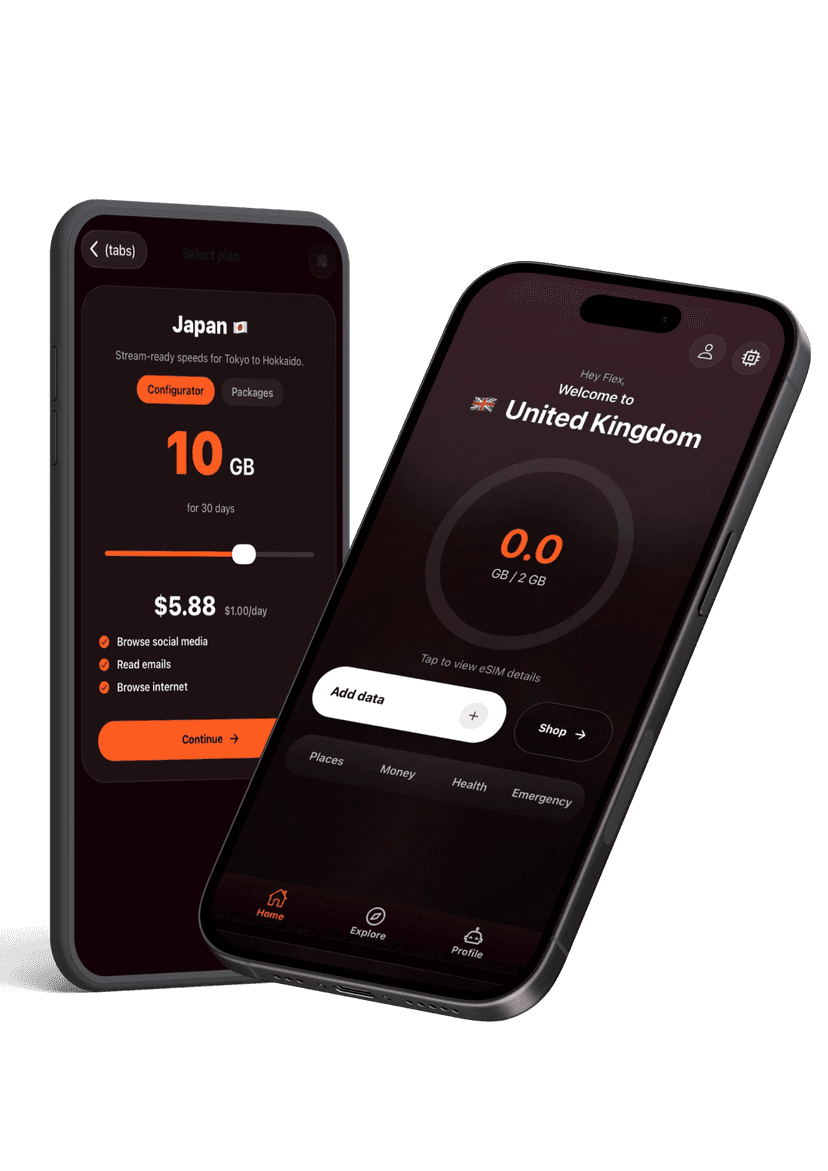
Activate new passes, pull up instructions, share hotspots, and get live help without hunting through emails. The Flex app keeps your travel data tidy and ready when you land.